A .NET custom command extension is a .NET assembly (usually a DLL) that contains a class that extends the class EnterpriseDT.Net.FtpServer.Core.CustomCommands. The assembly can be developed in C#, VB.NET or any other .NET language. If you don't already have Visual Studio then you can use one of Microsoft's free Visual Studio Express or Community products.
General instructions on building CompleteFTP extensions may be found here. In addition to the registration steps described in the general instructions, permissions must also be granted for users and/or groups to access a .NET custom command extension, otherwise no users will be able to invoke the commands.
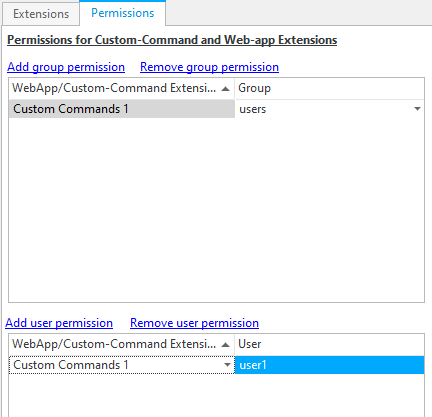
Permissions for .NET custom command extensions are managed in the Permissions tab of the Extensions panel in the CompleteFTP Manager, as shown below. The commands in a .NET custom command extension may be executed by a user that's been directly given, or is a member of a group that has been given permission to do so.
Commands are added to a .NET custom command extension simply by adding methods. By default the name of the method becomes the name of the command. If a CustomCommandName attribute is defined, then that becomes the name of the command. All names are case-insensitive. The arguments of the method become the arguments of the command. All the arguments must be strings. Custom commands may return one or more lines of text.
The following example implements the ubiquitous 'Hello World' example as a Custom command:
using EnterpriseDT.Net.FtpServer.Core;

namespace SampleExtensions
{
    public class HelloWorldSiteCommands : SiteCommands
    {
        public string HelloWorld()
        {
            return "Hello world!";
        }

        [SiteCommandName("HelloWorld2")]
        public string HelloWorldWithArgs(string argument1, string argument2)
        {
            return "Hello world!\n" + argument1 + "\n" + argument2;
        }
    }
}
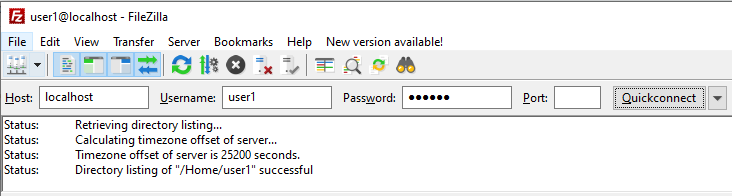
Log in using the FTP client (FileZilla for example) with the user who has permission set as shown below:
The way in which a command is executed by a client depends on the protocol. With FTP custom commands, they must be preceded by SITE. For example, the first method in the example above can be executed as follows:
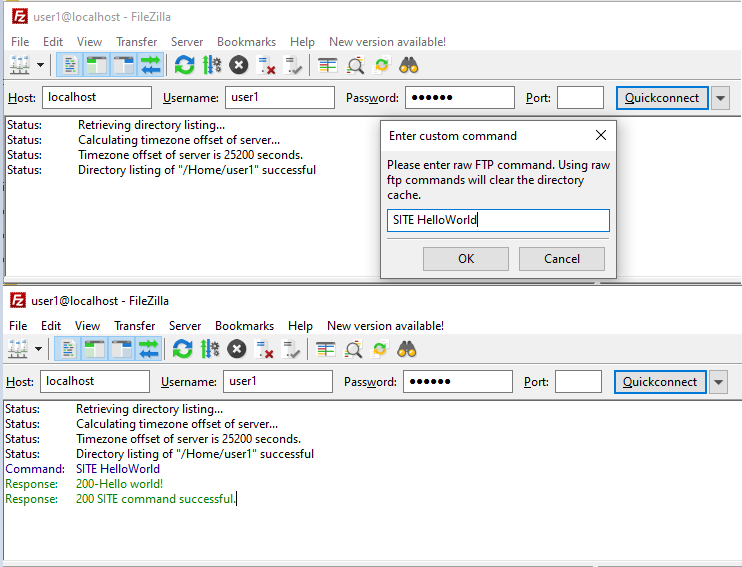
The first method has no arguments and defines no CustomCommandName attribute. This means that it must be called by its full name, "HelloWorld" (case is ignored).
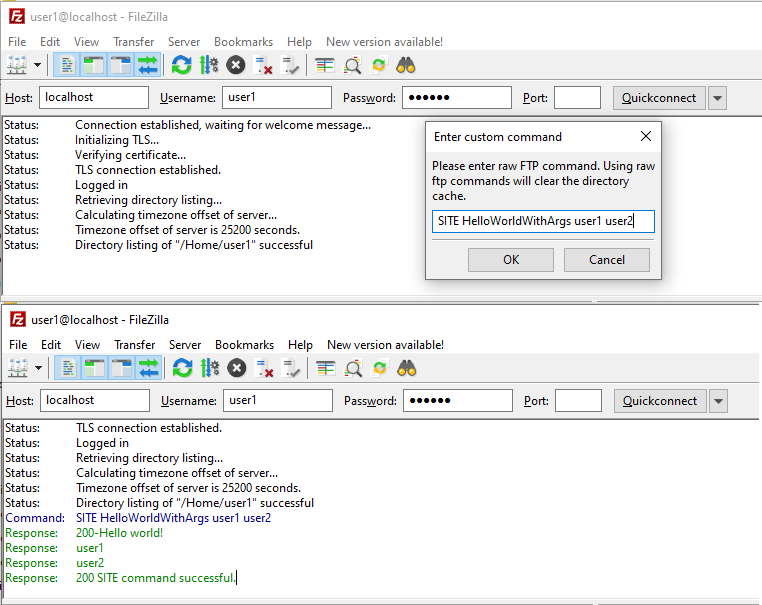
The second method has two arguments, so two arguments must be entered when the command is executed by the client. This method also defines a command-name, so that name, "HelloWorldWithArgs", must be used when the command is executed by the client. In addition, it illustrates how multiple lines may be included in a reply.
Note that if you're using Microsoft ftp.exe then you need to enter "quote site mypassword".